

Draw with AR
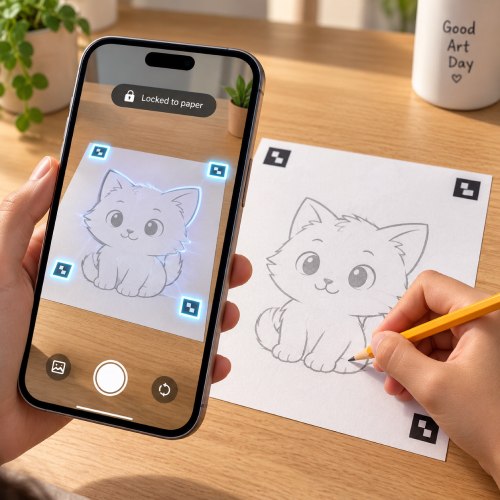
Point the phone at your sheet, drop the sketch onto it, and it locks to the paper. Move around, tilt, or lift the phone and the lines stay exactly where you put them.
Locks to the paperPapen puts any sketch on your paper — through the camera or straight from the screen. Follow the lines, lift the phone, and the drawing is yours.
Same sketch, three ways to get it onto paper. Use whichever fits your desk, your paper, and your mood tonight.
Point the phone at your sheet, drop the sketch onto it, and it locks to the paper. Move around, tilt, or lift the phone and the lines stay exactly where you put them.
Locks to the paper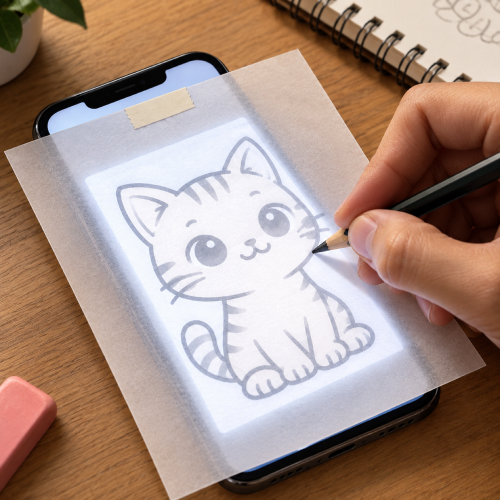
Lay a thin sheet over the phone, turn the brightness up, and the lines shine straight through. Follow them with a pencil. No stand, no setup, done in minutes.
No stand needed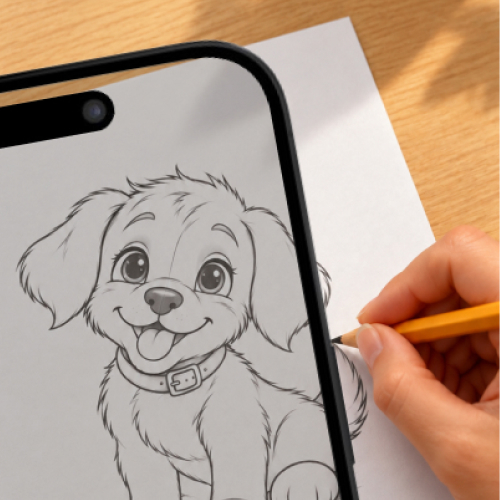
Prop the phone above the sheet and the sketch sits over the live camera view. Line it up once, keep the phone still, and draw what you see on screen.
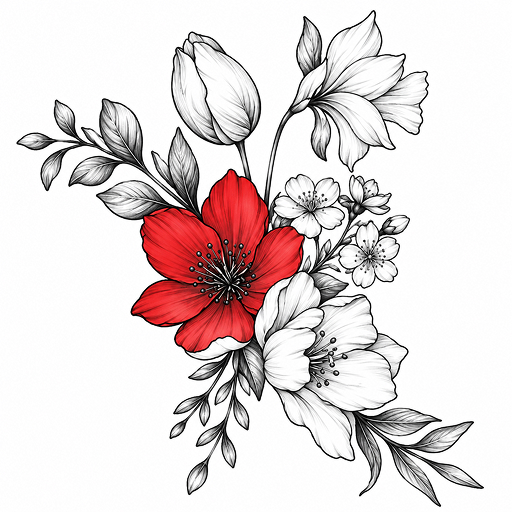
Best with a phone standOne flower, drawn on day one and again a month later. Nothing changed except the practice.
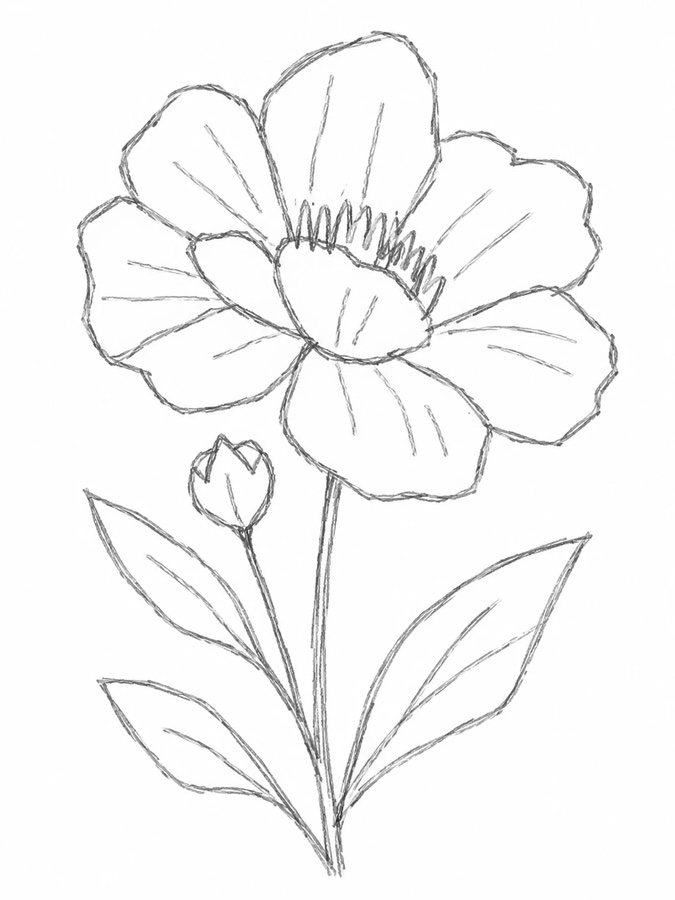
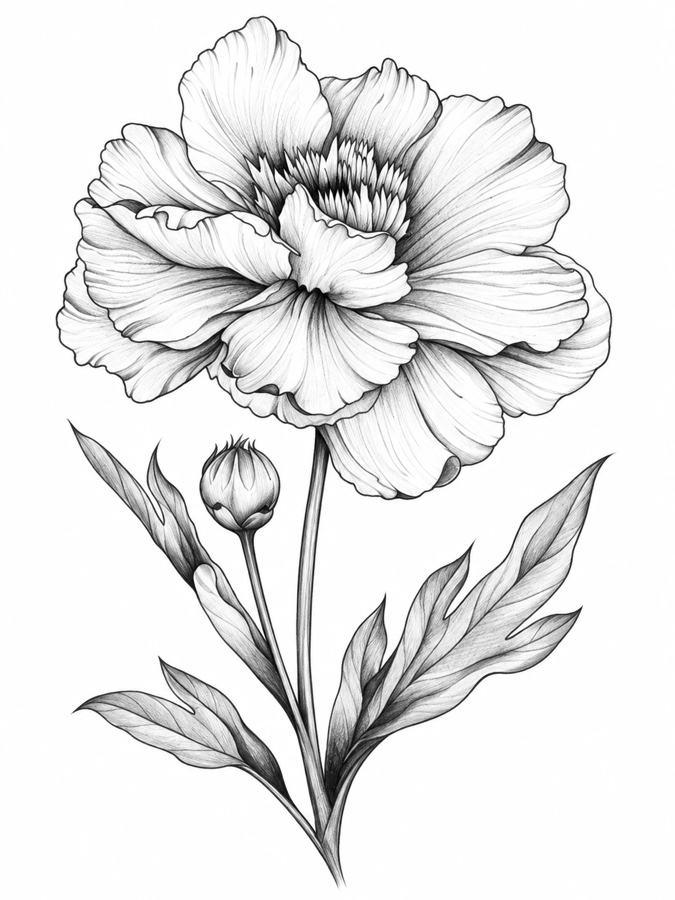

 Sketch

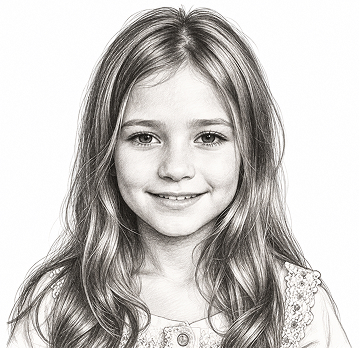

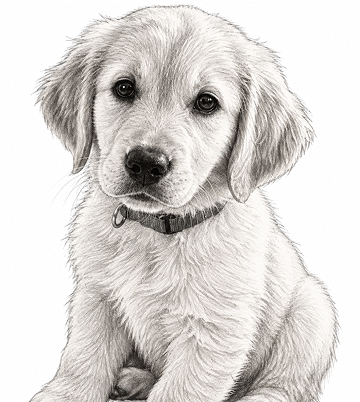
Turn their photo into a sketch and make it yours. A partner, a kid, the dog — any picture from your camera roll becomes a traceable portrait in about six seconds.
Type what you want to draw, pick a line style, and get a clean, traceable sketch in about six seconds. If it isn't in the library, it is now.
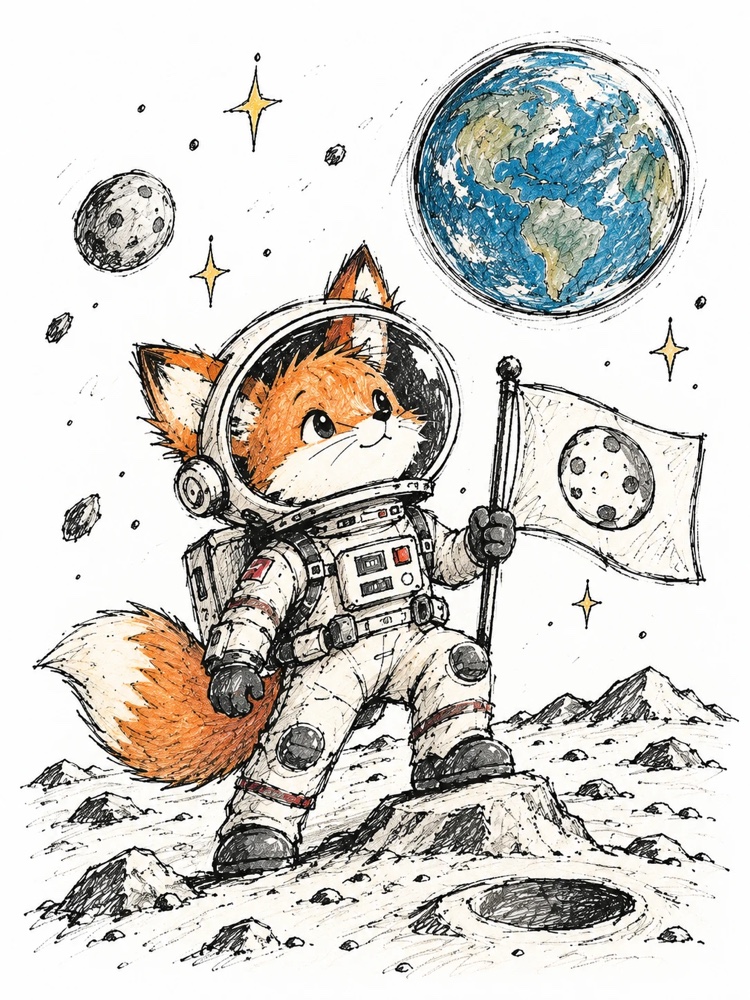
I put my sketchbook on the screen and traced a portrait on the first try. My sister thought I had taken classes.

The camera mode is the one that sold me. Phone on a stand, paper underneath, and the lines just sit there while I draw.
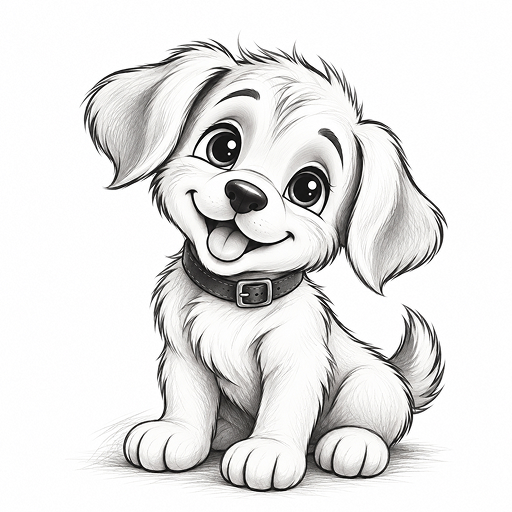
Turning my dog's photo into an outline took seconds, and the finished drawing is on the fridge.
No. You follow a guide that is already on the paper — the hand movement is the only part you supply, and it gets steadier fast.
The paper sits between your pencil and the glass, so nothing touches the display. Press lightly and use a soft pencil.
Any stand or clamp that holds the phone above your desk. The sketch locks to the sheet once you place it.
Yes. A set of templates and both drawing modes are free. Pro adds the full library, AI generation, photo to sketch and no watermark.
Any photo from your camera roll becomes a line drawing in about six seconds, with fine, medium or bold lines.
Download Papen, pick a sketch, and put a pencil on paper tonight.